
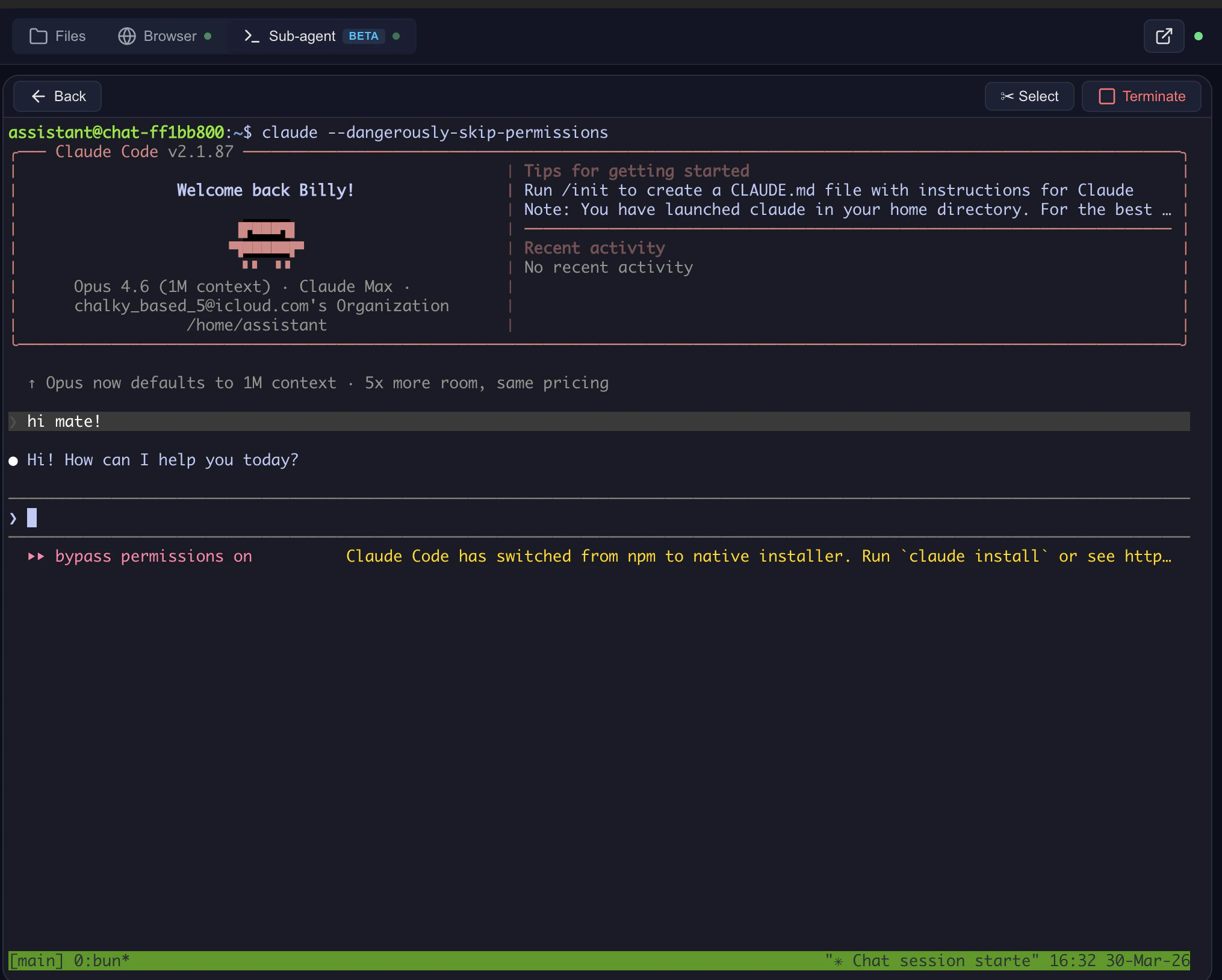
What’s running
- ttyd — WebSocket terminal server inside the sandbox (port 7681)
- tmux — persistent session; survives disconnects, scroll history preserved
- Computer Use Server — transparent WebSocket proxy
- xterm.js — renders in the browser
Lifecycle
- Model calls
sub_agent→ sandbox created if it doesn’t exist. - Filter injects a preview link → side panel opens.
- User sees the dashboard: running Claude Code processes, saved sessions.
- Click Open terminal → ttyd starts, Claude Code launches.
- tmux keeps the session alive — disconnect and reconnect freely.
- Container stays up while the WebSocket is connected (keep-alive heartbeat).
- Container auto-stops after
CONTAINER_MAX_AGE_HOURSof idleness.
Endpoints (self-hosted)
Dangerous mode
Toggle Skip permission prompts to run Claude Code without confirmation dialogs. SetsCLAUDE_AUTOSTARTED=1. Use only for trusted tasks.
The escape hatch
You can leave Open WebUI entirely:- Open the server URL in a new tab.
- Navigate to
/terminal/{chat_id}/for a full-screen terminal. - Work with files, run code, use Claude Code — independent of the chat UI.
Related
- Sub-agents — the
sub_agenttool that owns the terminal - Claude Code gateway — routing Claude Code through LiteLLM / Azure / Bedrock