
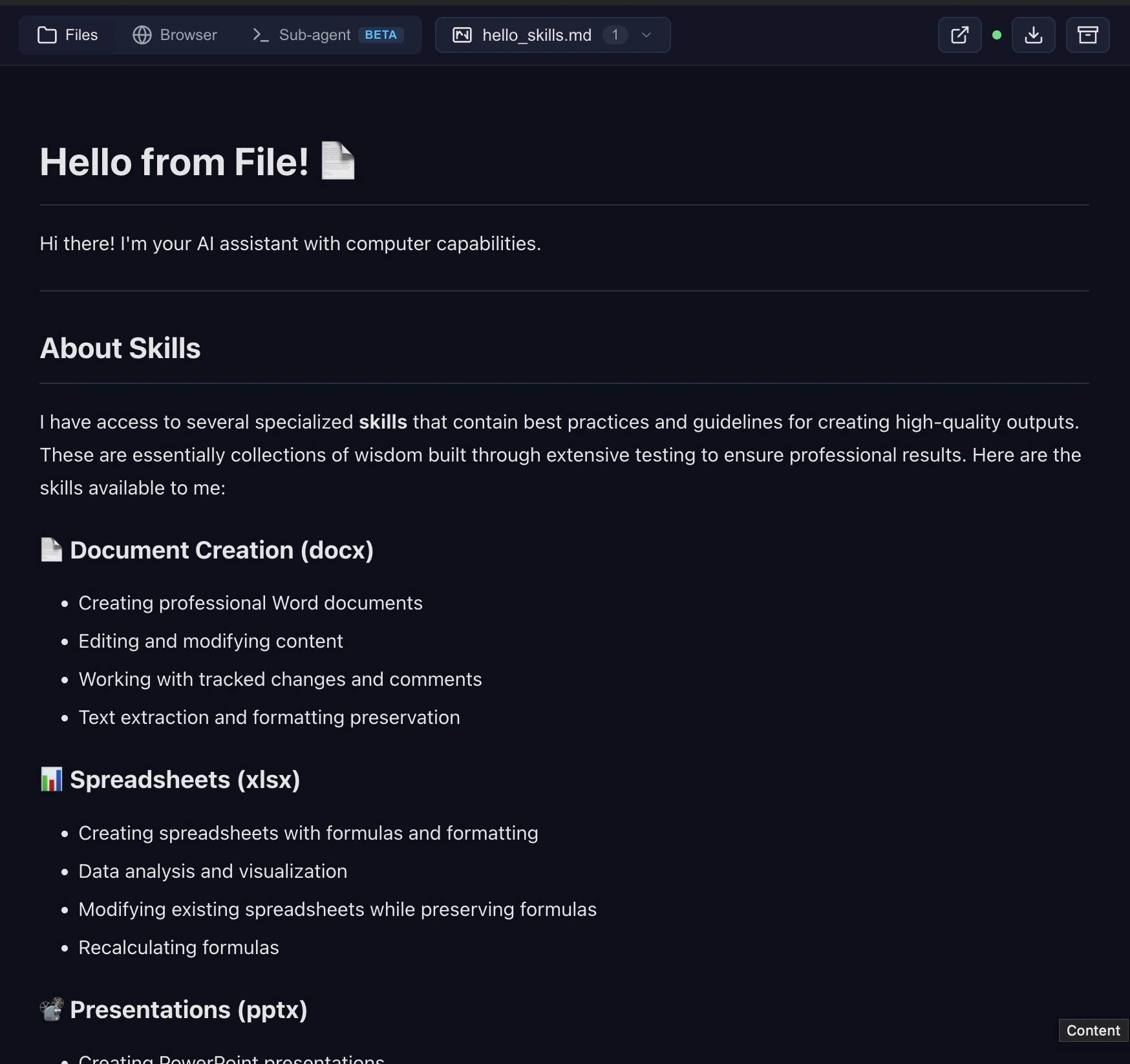
What the user sees
When the model creates a file, a link appears in the chat. For any renderable file type, a preview iframe auto-inserts right after the link:
All rendering happens server-side. The browser only loads an iframe — no client-side PDF.js, no heavy dependency trees.
URL shape
Files live under/files/{chat_id}/{relative/path} on the Computer Use Server:
- Managed:
https://cu.yambr.com/files/{chat_id}/... - Self-hosted:
http://localhost:8081/files/{chat_id}/...
/preview/{chat_id}/{path} (same host). See cu.yambr.com for security implications.
How the iframe auto-inserts
The Open WebUI filter’soutlet() finds links of the form {PUBLIC_BASE_URL}/(files|preview)/... in assistant messages. On the patched Open WebUI image, the fix_preview_url_detection frontend patch sees those links and promotes them to a synthetic <iframe> artifact; fix_artifacts_auto_show then opens the side panel. On stock Open WebUI, the link stays a link — still works, just without the auto-open. Full mechanics: Open WebUI filter.
Archive download
Every message that references at least one file gets a Download all files as archive button. It hits/files/{chat_id}/archive on the server and streams a zip of every output the sandbox has written for that chat.
Uploads
Drag a file into the chat input. It lands at/data/uploads/{chat_id}/{filename} on the host and is mounted read-only at /mnt/user-data/uploads inside the sandbox. The model sees it as an MCP resource (resources/list) and via the system prompt.
Why files stay on the server
- No chat size limit — files never flow back through message context.
- Direct access — open any file URL in a new tab.
- One zip download for the whole session.
- No re-upload — the client doesn’t store files locally.
Related
- cu.yambr.com — public file URLs on managed Yambr
- Open WebUI filter — how the preview auto-insert works