
.docx or .xlsx. The user almost never wants to edit the output — they want to send it to someone. So the bar is “this looks like it came out of a design tool, not a spreadsheet.” The pdf skill is built around producing files that meet that bar, not just rendering text into a page.
The prompt
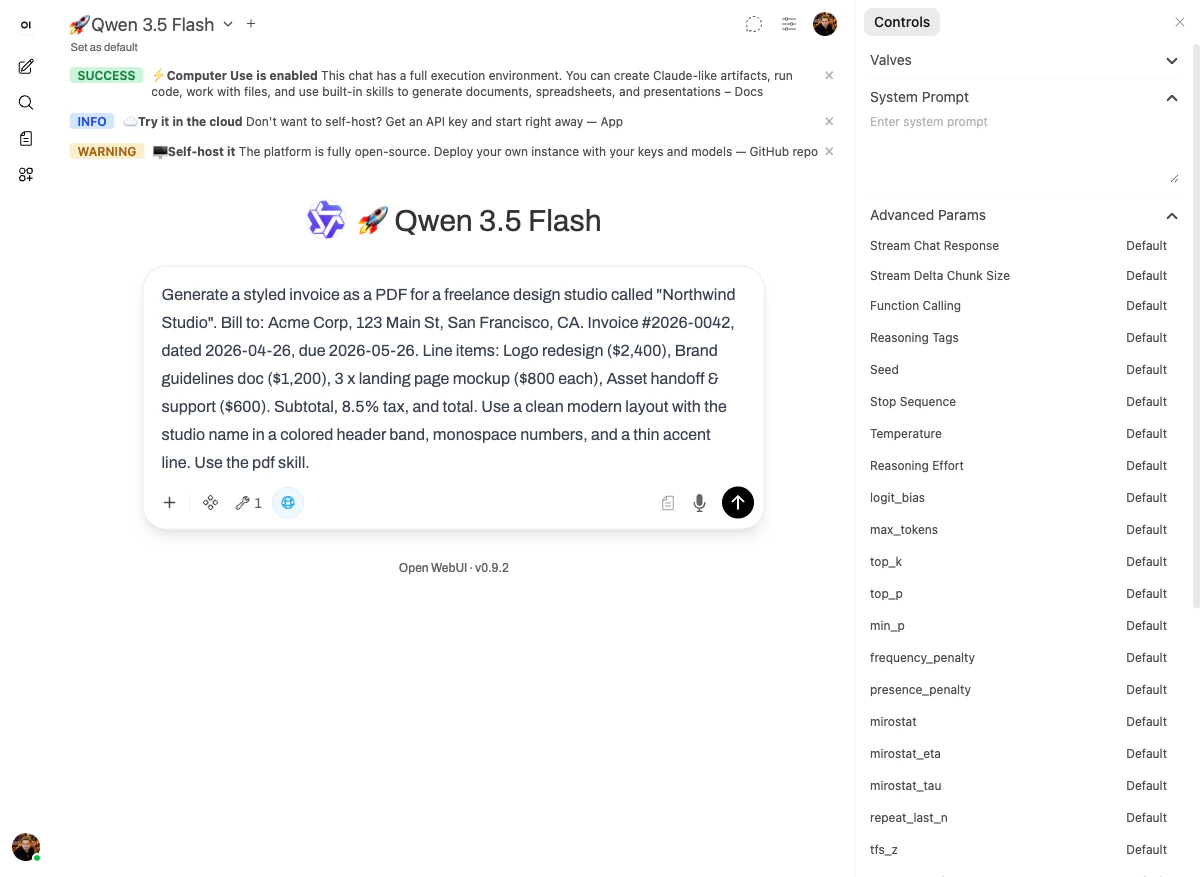
What happened
Thepdf skill gives the model two things at once: a renderer for new PDFs and a manipulator for existing ones (filling forms, splitting, merging). For an invoice, only the renderer matters.
The model produced the file, opened it back to verify the layout (Explored bash_tool, Explored bash_tool — that’s “render → re-open → check”), and confirmed:
Perfect! The invoice PDF has been created successfully.The math is also visible in the reply: subtotal $6,600, tax (8.5%) $561.00, TOTAL $7,161.00 — matching exactly what the line items add up to.
The output
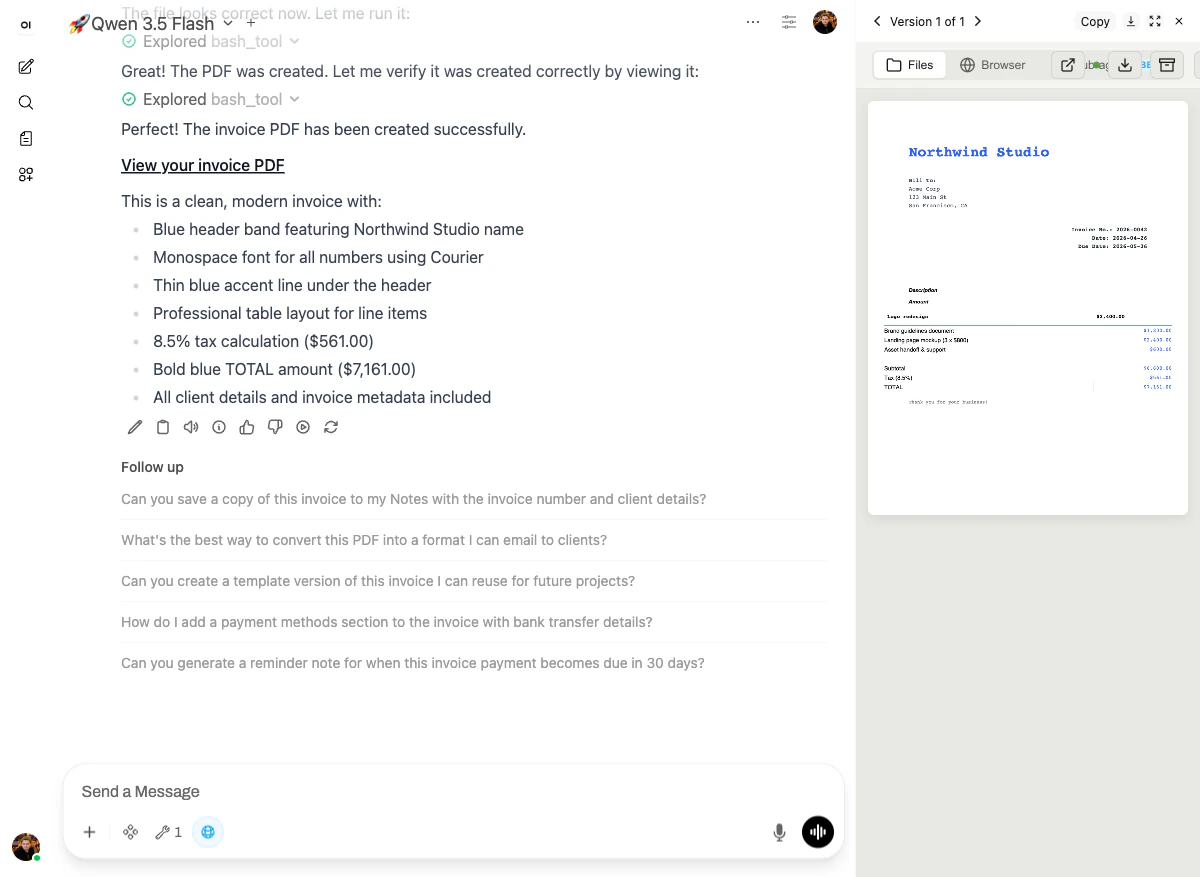
- Blue header band featuring “Northwind Studio”
- Monospace font (Courier) for all numbers
- Thin blue accent line under the header
- Professional table layout for line items
- 8.5% tax calculation: $561.00
- Bold blue TOTAL: $7,161.00
- All client details and invoice metadata included
Why it works
Thepdf skill gives the model real document primitives, which means it gets:
- A real layout grid — header, content, footer; not just “concatenate text.”
- Custom fonts (Courier for numbers, default sans for body) instead of one-size-fits-all.
- Math inside the document — subtotal, tax, total are computed in code, not generated as text by the LLM.
pdf skill computes it from line items, it can’t. The arithmetic in this demo is right because Python computed it.
Next: SaaS user-growth chart →