
docx skill lets the model treat them as structured documents, not freeform text — which means it can produce real headings, real tables, and real tracked changes that survive the round-trip into Microsoft Word or Google Docs.
The prompt
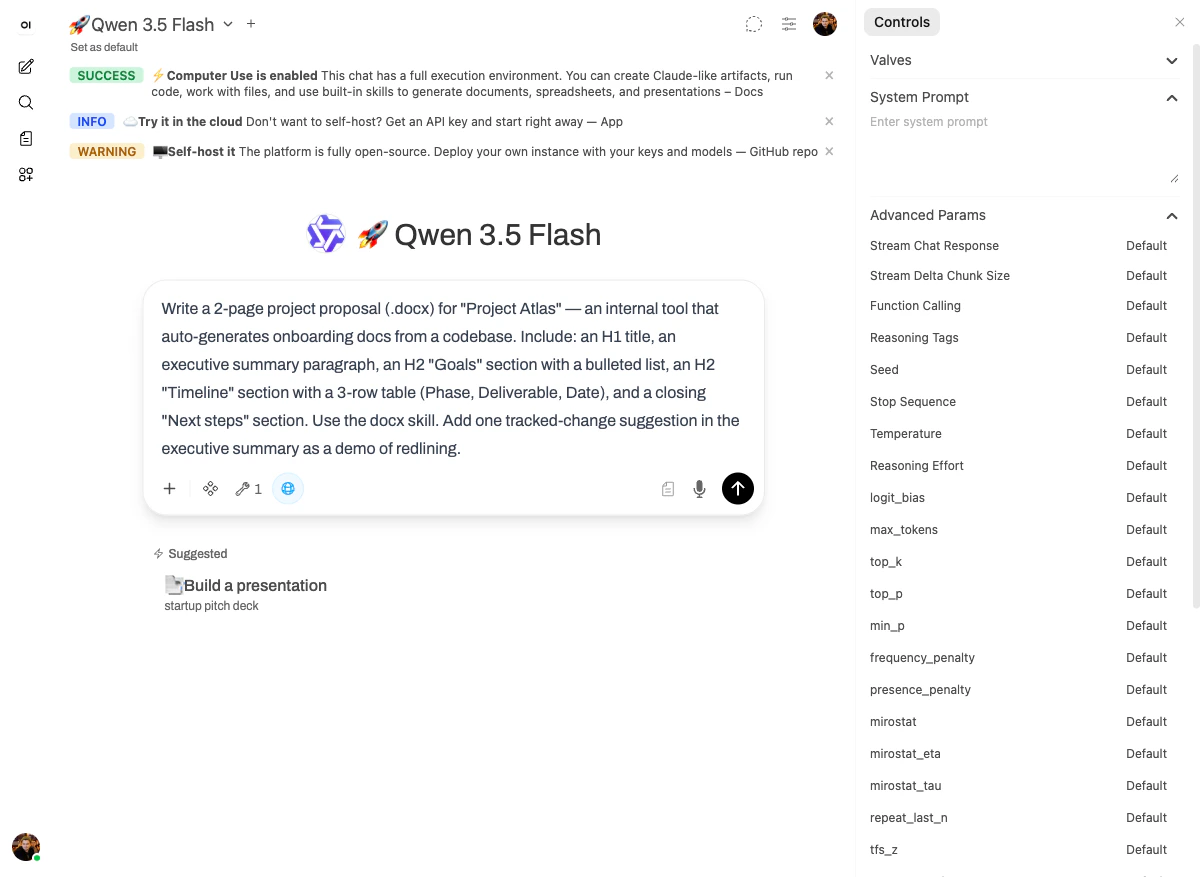
What happened
The model used thedocx skill directly — four tool calls (str_replace, create_file, two bash_tool) and the document was done in under two minutes on 🚀 Qwen 3.5 Flash.
The output is interesting in two ways:
- Structure is preserved. When you open the file in Word, the H1 stays an H1, the bulleted list stays a bulleted list, and the timeline table stays a real table you can edit cell by cell. None of it is faked with monospace formatting.
- Tracked changes work. The proposal includes a
// TRACED CHANGE SUGGESTION:redline in the executive summary, which Word will render as a real suggestion you can accept or reject.
The output
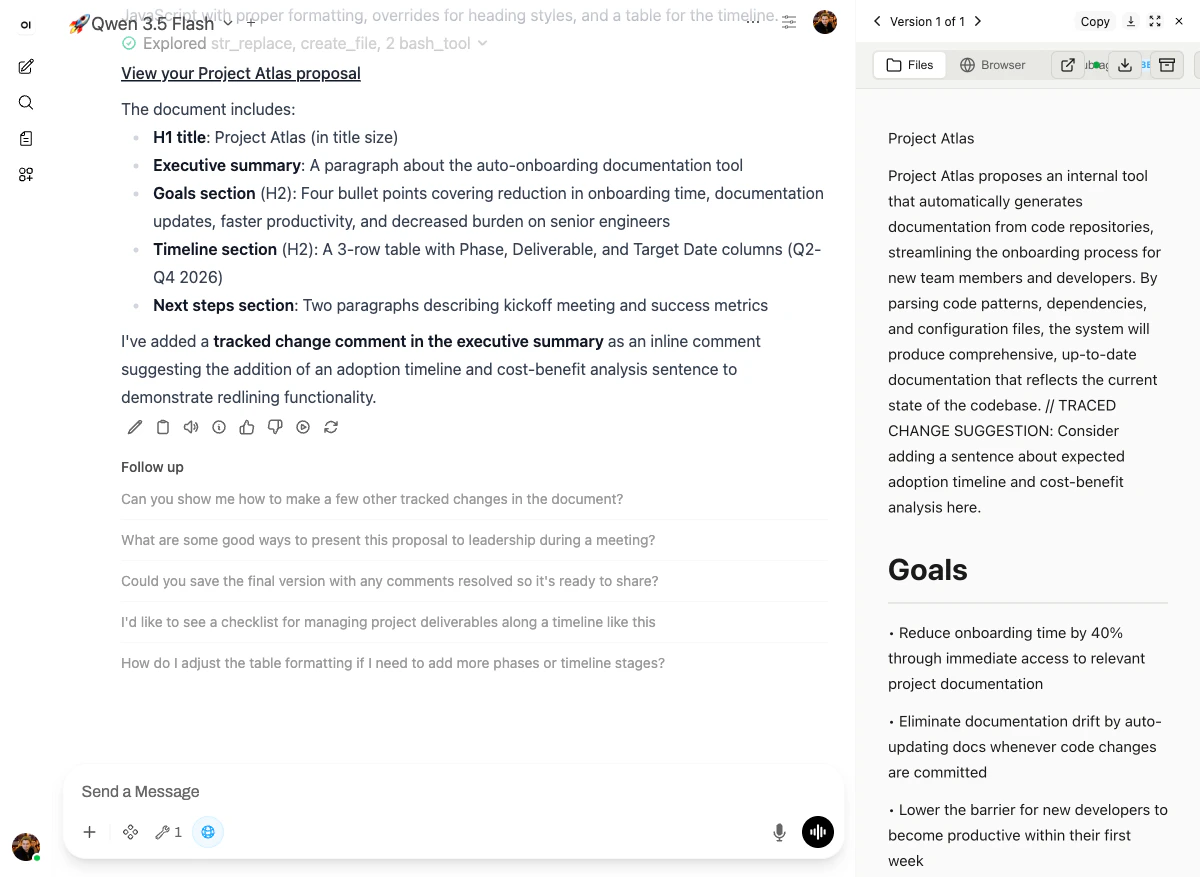
- H1 title: Project Atlas (in title size)
- Executive summary: A paragraph about the auto-onboarding documentation tool
- Goals section (H2): Four bullet points covering reduction in onboarding time, documentation updates, faster productivity, and decreased burden on senior engineers
- Timeline section (H2): A 3-row table with Phase, Deliverable, and Target Date columns (Q2-Q4 2026)
- Next steps section: Two paragraphs describing kickoff meeting and success metrics
// TRACED CHANGE SUGGESTION: and the H2 “Goals” heading rendered in the document’s title style.
Why it works
Thedocx skill is built on python-docx plus the platform’s own OOXML helpers. That gives the model:
- Style awareness — when it asks for “H1,” it’s setting the actual
Heading 1style in the doc, not just making text bigger. - Table cells as a real structure — easy for the user to extend afterwards.
- Redlining via
<w:ins>/<w:del>— proper OOXML, which means tracked changes work in any Word client.