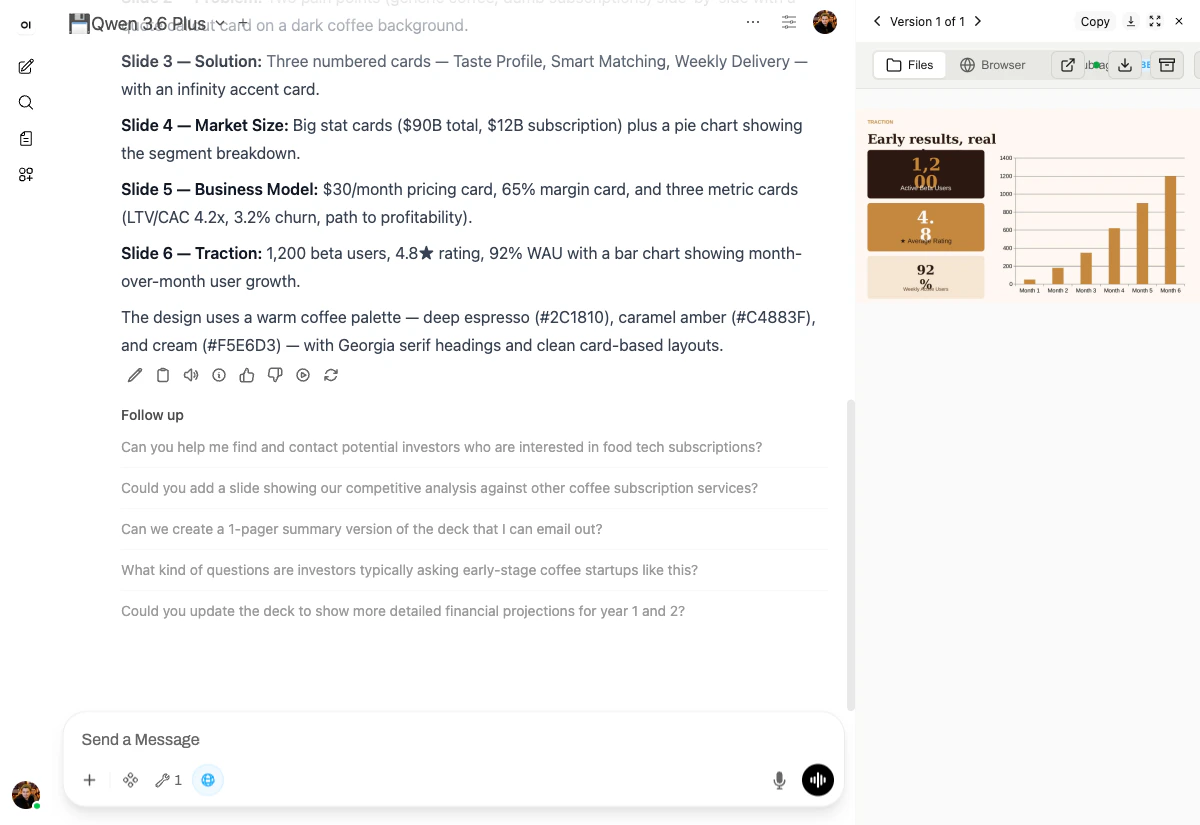
The first scenario is a pitch deck — the file format every founder, marketer, and PM has to produce sooner or later. We deliberately picked a topic that forces the model to make design decisions, not just dump bullet points.

The prompt

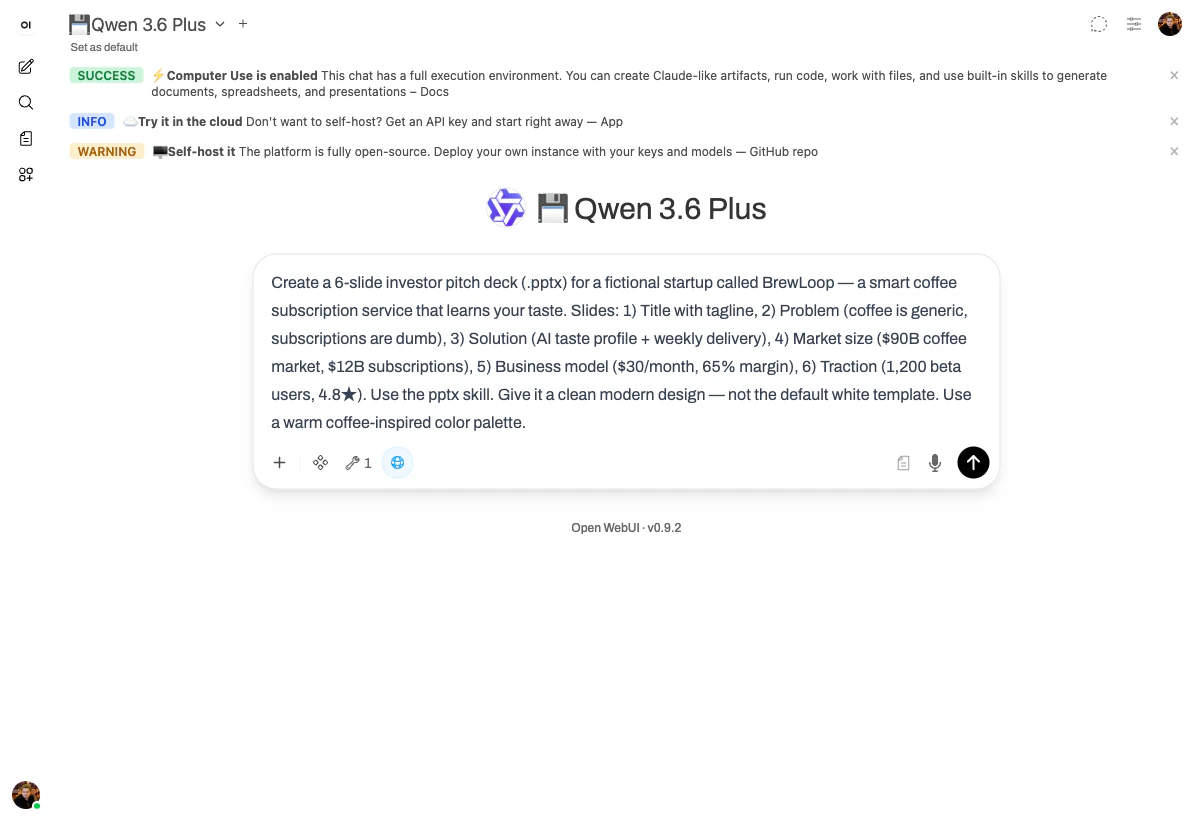
Create a 6-slide investor pitch deck (.pptx) for a fictional startup called BrewLoop —
a smart coffee subscription service that learns your taste.
Slides:
  1) Title with tagline
  2) Problem (coffee is generic, subscriptions are dumb)
  3) Solution (AI taste profile + weekly delivery)
  4) Market size ($90B coffee market, $12B subscriptions)
  5) Business model ($30/month, 65% margin)
  6) Traction (1,200 beta users, 4.8★)

Use the pptx skill. Give it a clean modern design — not the default white template.
Use a warm coffee-inspired color palette.
The pitch deck prompt entered into chat.yambr.com

What happened

Before touching the pptx skill, the model first explored the documentation. It opened the skill’s reference files (Explored 3 view) to learn the API, then committed to a design system before generating any slides:
Coffee-inspired warm palette — deep espresso (#2C1810) for dark backgrounds, warm cream (#F5E6D3), caramel/amber (#C4883F) as the accent, and warm off-white (#FFF8F0). I’ll use Georgia for headings and Arial for body text, with clean geometric shapes and diagonal accents.
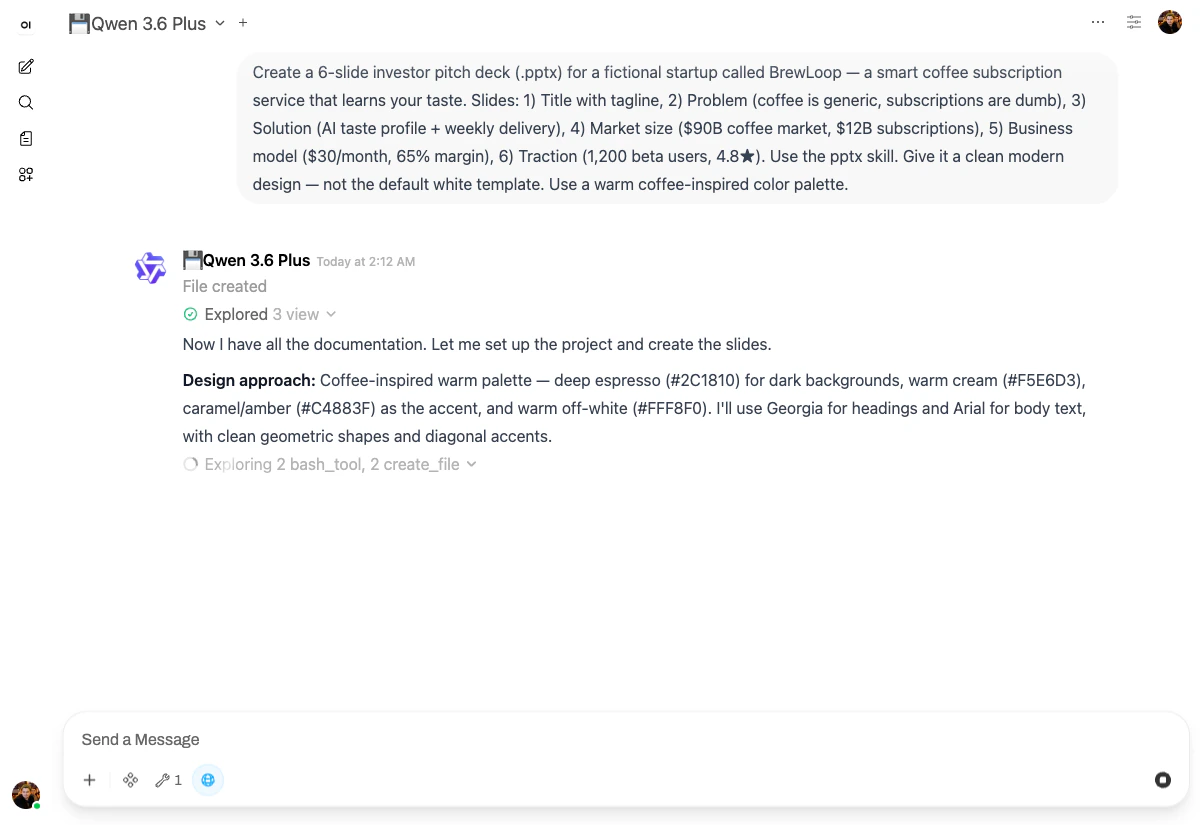
The model reasoning about the design system before generating slides It then built each slide as a separate HTML file (the pptx skill ships an html2pptx library), validated the OOXML, and assembled the final deck. The total tool-call profile for this run was 11 bash_tool calls, 9 create_file calls, and 2 str_replace edits — the model worked through the deck slide by slide, validating each one before moving on.

The output
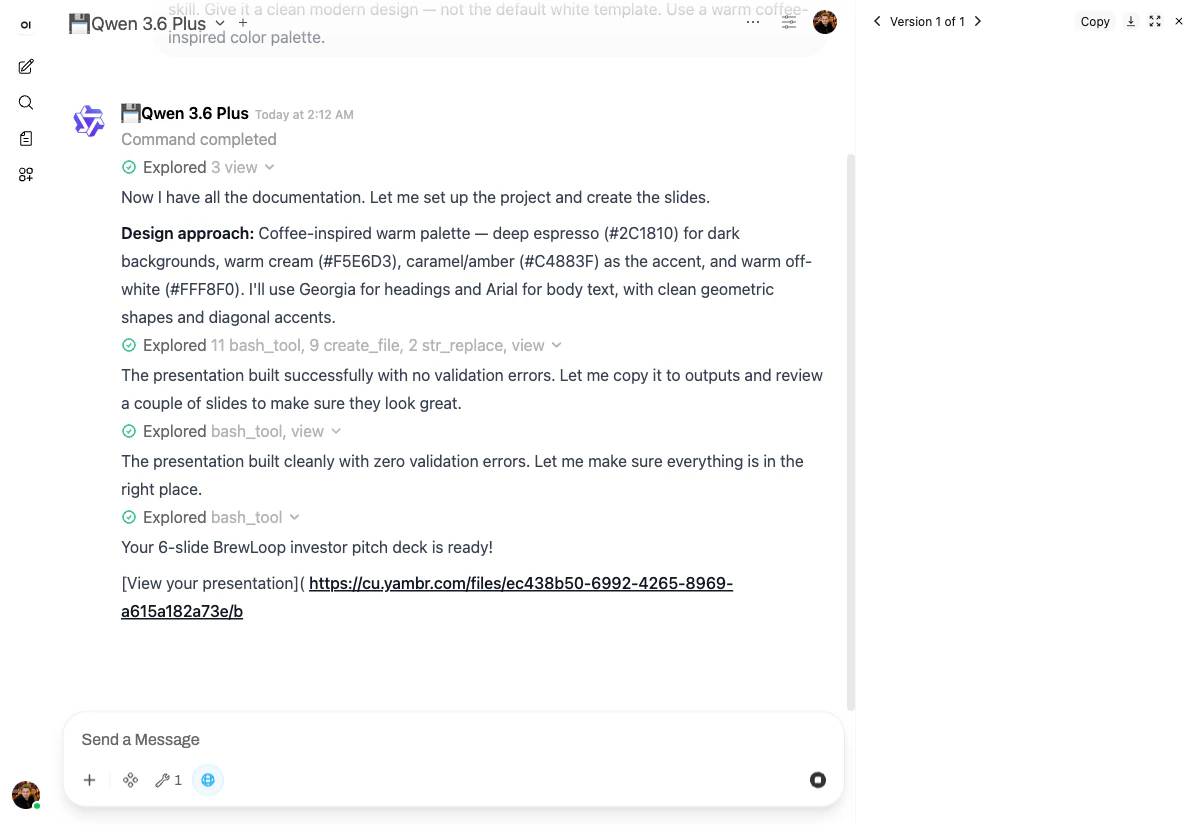
Completed pitch deck — final summary message with download link The right-hand panel renders a live preview of the deck. Slide 6 (Traction) shows the result of asking for a “warm coffee-inspired palette”: Slide 6 (Traction) preview — stat cards and bar chart in coffee palette Notice:
  • Real KPI cards (1,200 active users · 4.8★ rating · 92% WAU) instead of bulleted text.
  • A real bar chart showing month-over-month growth, generated from the prompt’s “1,200 beta users” with synthesized timeline.
  • The palette is consistent across all six slides — espresso, caramel, cream, off-white.
The chat itself also auto-titled to ”☕ BrewLoop Investor Pitch Deck” — Open WebUI summarises the conversation as soon as it has enough context.

Why it works

Three platform features come together here:
  1. The pptx skill gives the model a high-level API for building decks (slide layouts, themes, html2pptx) instead of forcing it to write raw OOXML by hand.
  2. The terminal lets it run a validation step (Command completed... built cleanly with zero validation errors) before claiming the file is ready.
  3. File preview in the right-hand panel means the user can verify the output without leaving the chat.
This is the pattern every following scenario will reuse: the model picks a skill, makes design decisions, validates, and shows the result inline. Next: Project proposal in Word →