
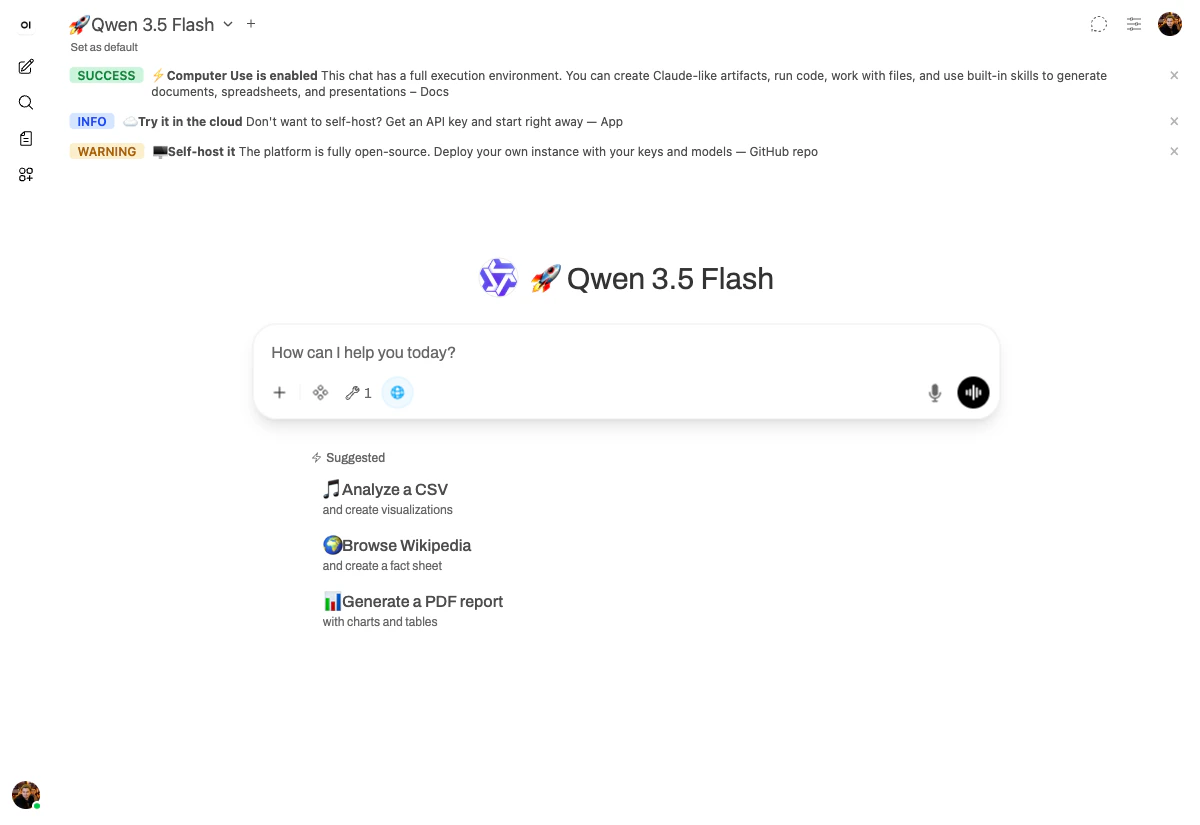
chat.yambr.com. Same models you can use right now (🚀 Qwen 3.5 Flash, 💾 Qwen 3.6 Plus). No staging environment, no edits — every output below was produced live by an LLM with access to the platform’s built-in skills.
Why a course at all
Most “AI assistant” demos collapse into the same generic Markdown reply. Computer Use is different because the model has tools: a sandboxed Linux box, a real browser, and a curated set of skills for documents, spreadsheets, presentations, charts, and PDFs. What you get is not “an answer.” You get a file, sometimes a whole folder, often a live page in a browser. The course is structured as a deliberate arc:1
Crawl — five everyday office files
Presentation, Word document, spreadsheet, PDF, data chart. The boring stuff most knowledge work actually consists of. The model picks the right skill, generates the file, and validates it.
2
Walk — two scenarios that earn the wow
A custom landing page rendered live in the browser tab next to the chat. A scraping job that opens Hacker News, reads it, and produces a Markdown digest. Both scenarios use sub-agents and the live browser — capabilities most chat UIs simply don’t have.
3
Run — the moment of leverage
The user has now generated three styled invoice PDFs by hand. They notice the pattern. They ask
/skill-creator to package the recurring work into a reusable skill. Next time, one function call replaces the whole prompt.The eight scenarios
After the eight scenarios, What’s next shows where this is heading — your skills become callable building blocks for n8n, CI pipelines, or any tool that can hit an HTTP endpoint.
How to read each page
Every scenario page has the same shape:- The prompt — exact text, copy-pasteable. Try it yourself.
- What happened — the tool calls the model made, with screenshots from the live chat.
- The output — what was actually generated, so you can see whether the result is good.
- Why it works — a short note on which skill is doing the heavy lifting.
chat.yambr.com running 🚀 Qwen 3.5 Flash (most scenarios) or 💾 Qwen 3.6 Plus (the pitch deck). Both models are available to anyone with a Yambr account — there is nothing secret about the setup.
This course is opinionated about one thing: don’t stop at chatting. Chatting with the platform is the easy part. The real lift comes from converting what you do repeatedly into skills, and then chaining those skills together. That’s the arc the course is built around.